Entra Cloud Sync – Lightweight Agent – Cloud Managed – Part 1 – Install Agents
THIS ARTICLE IS PART OF THE SERIES: Entra Cloud Sync – Lightweight Agent – Cloud Managed – Christoffer Klarskov Jakobsen – Microsoft Architect
Important
You should install the agent on multiple tier 0 servers – this is supported and will add to the resilience of password hash configuration and general provisioning if one agent goes offline.
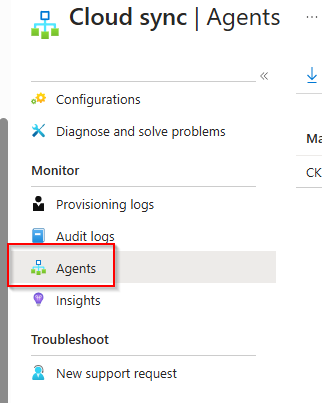
In Entra.microsoft.com , navigate to Hybrid Management, Microsoft Entra Connect.
Then go to Entra Cloud Sync.
Choose Agents
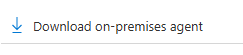
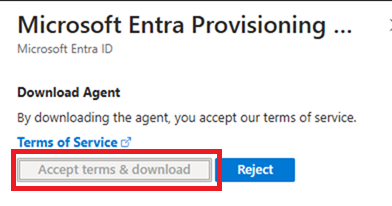
And then download the client
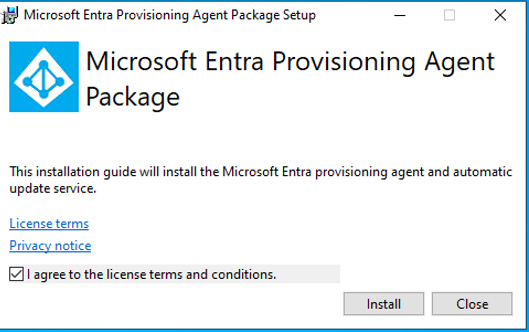
Run the installer on a member in the local Active Directory (can bee domain controller or other tier 0 member server)
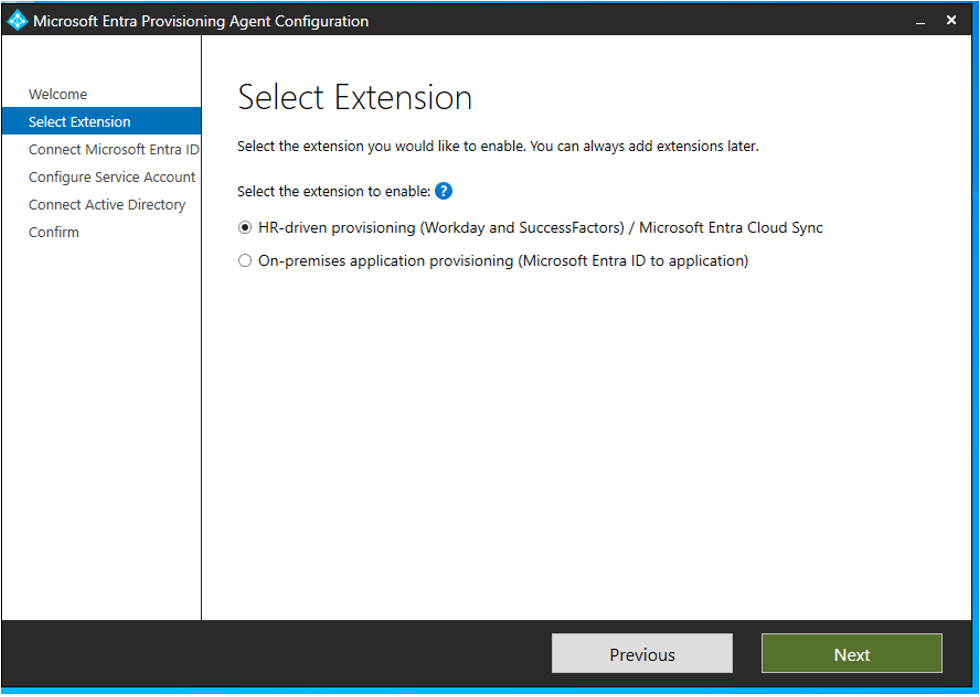
Then the installation is completed, go through the wizard:
You can chose the HR driven method:
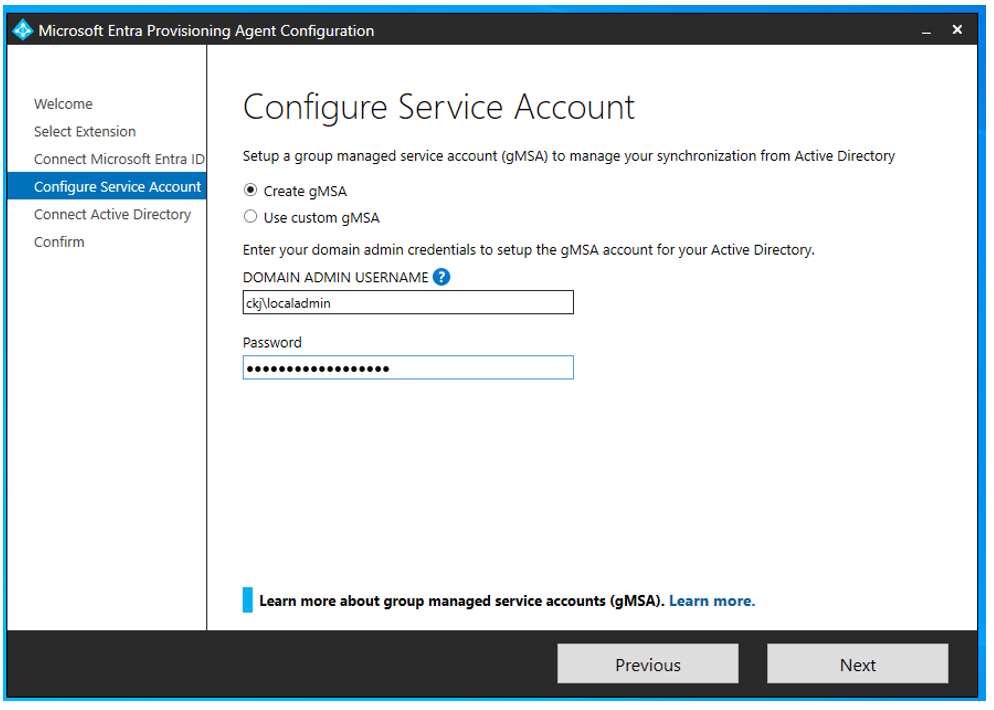
Let the wizard create a gMSA in the local domain – input of domain admin credentials is only for permissions to create the gMSA in the domain that will be used for provisioning.
You can then add other domains in the forest if required by your configuration
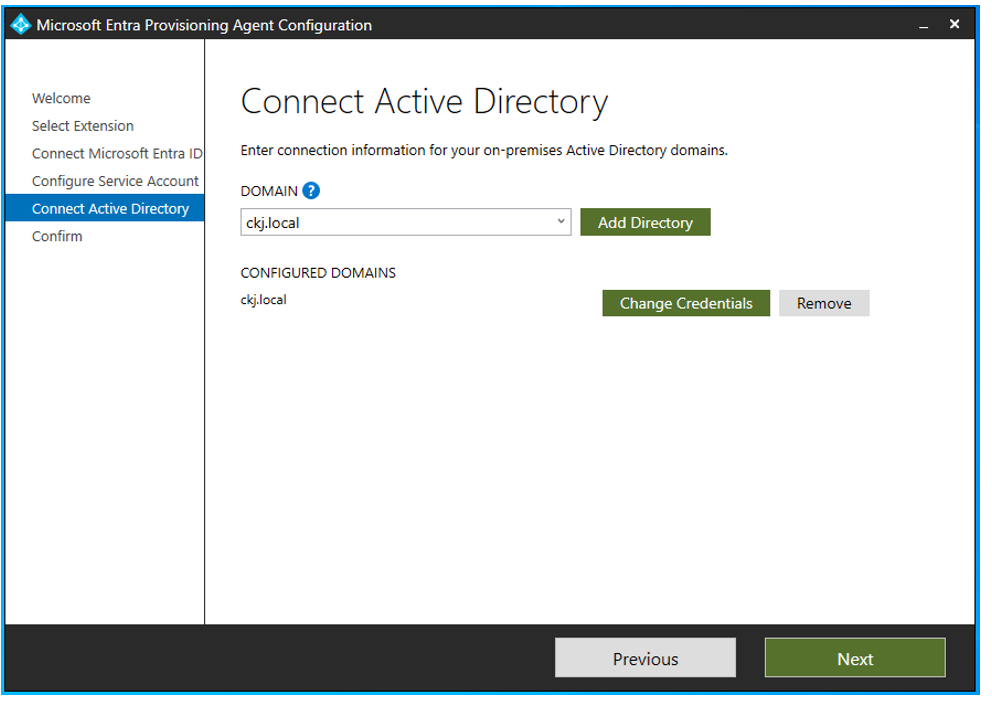
Now Confirm and finish the wizard.
Have feedback on this post?
Send me a message and I'll get back to you.
