Azure Local – Troubleshoot missing log collection
If you come across an Azure Local stack where you do not see anything in the Insights overview, it can be because of multiple things.
Microsoft source article for reference: https://learn.microsoft.com/en-us/previous-versions/azure/azure-local/manage/monitor-hci-single?tabs=22h2-and-later#troubleshoot-clusters-registered-before-november-2023
Then you go to Monitoring > Insights on your Azure Local instance in Azure:
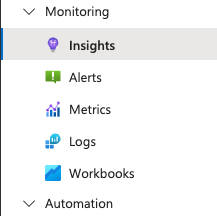
And see that it is configured but not showing anything:
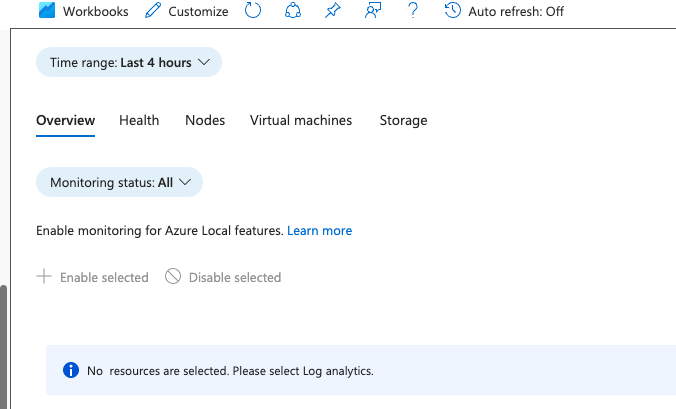
Most likely, someone removed the Log Analytics workspace. To get the Resource ID of the Log Analytics Workspace been used for Insights, select Customize:

And then Edit:

You can then see the Resource ID and Data Collection Rule ID:

You now need to validate that this Log Analytics Workspace exists and that the Data Collection Rule exists.
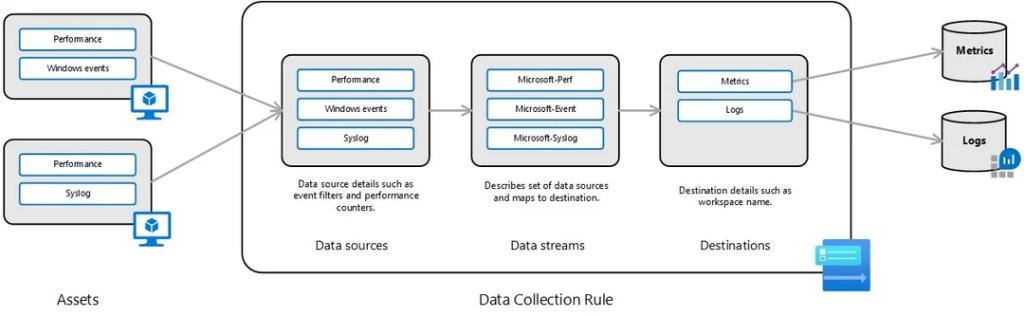
Below is a picture for reference on how data flow from the physical Azure Local host via DCR to LA. (Picture not created be me)
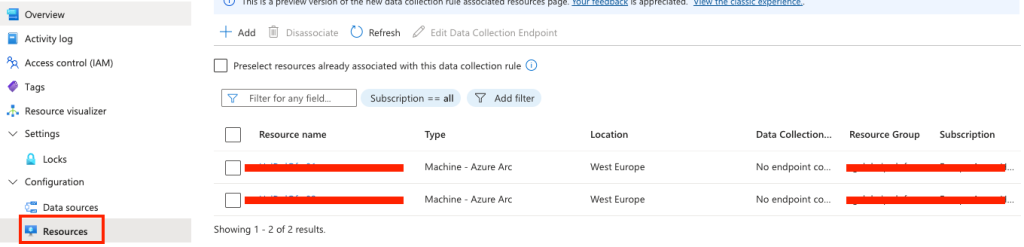
You can also validate that the Data Collection Rule has the nodes of the Azure Local stack included. Navigate to the DCR and check under Configuration > Resources, that the nodes are present:
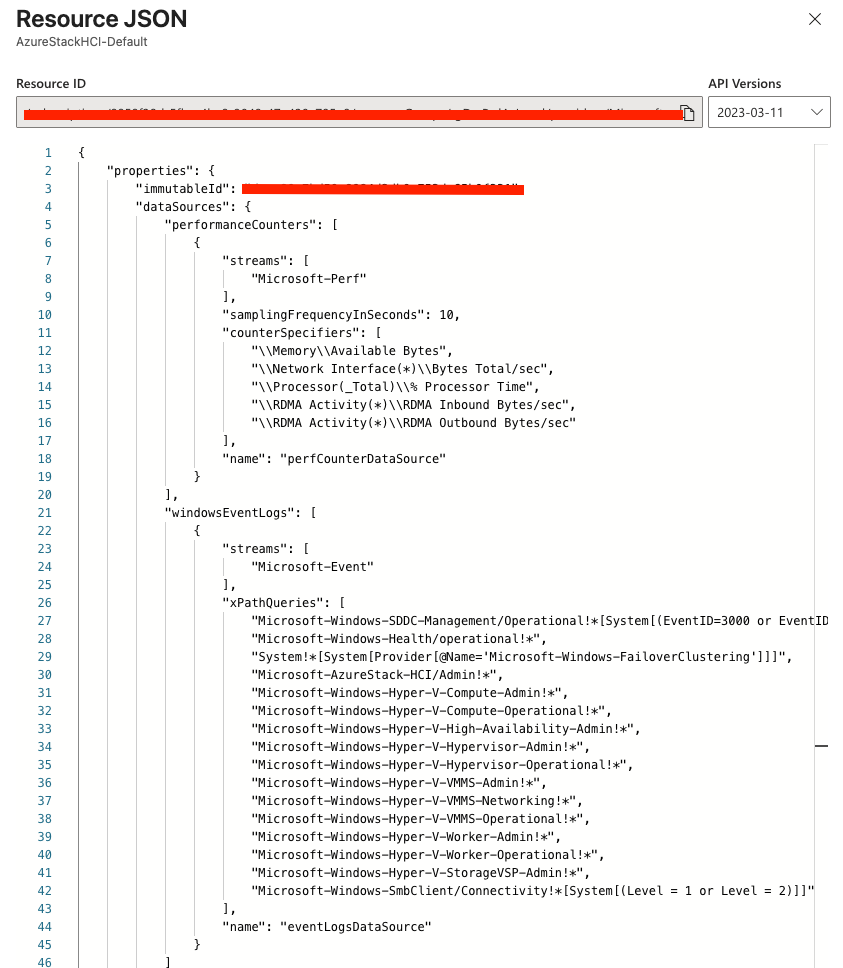
If you would like to see what collection rules are present in the DCR, you can select “JSON View” on the DCRs overview page (JSON View is located in the top right corner). Here you can see data that is not present in the portal view:
Have feedback on this post?
Send me a message and I'll get back to you.
