AADSTS1000030 – User authentication fails in Outlook mobile
Message: AADSTS1000030 – (Pii), Domain: MSAL
Code: -42004
Description: MSAL domain error
I came across this error on a users iPhone. The user had recently changed password on its Microsoft account and the error came on this device shortly after.
I validated the Entra ID configuration first. The tenant was running the free version of Entra ID because of Microsoft 365 Business Standard licenses.
Authenticated Methods was migrated to the new converged method:
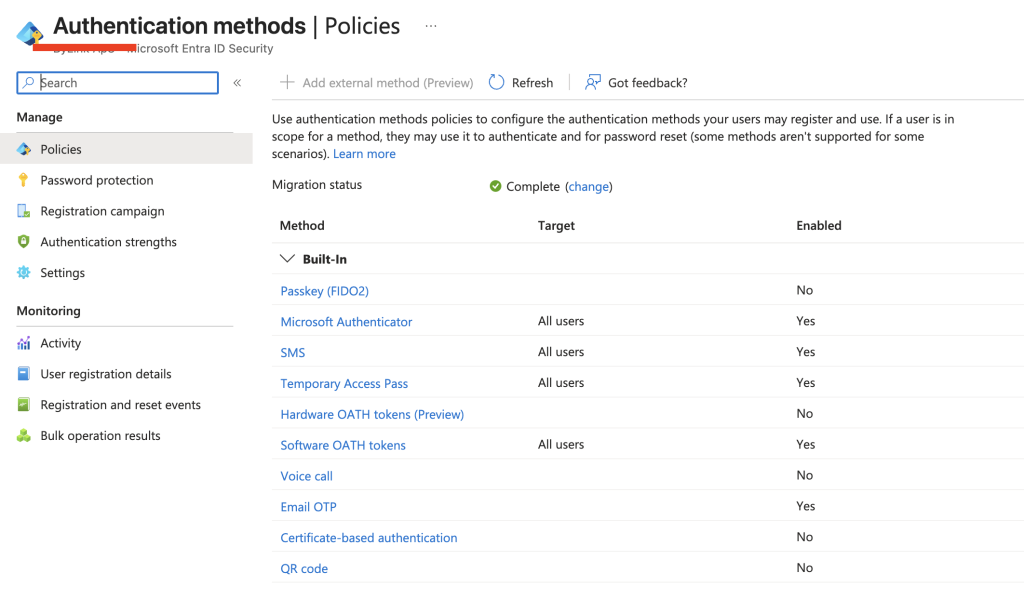
And Security Defaults was enabled since the tenant was not eligible for using Conditional Access Policies:
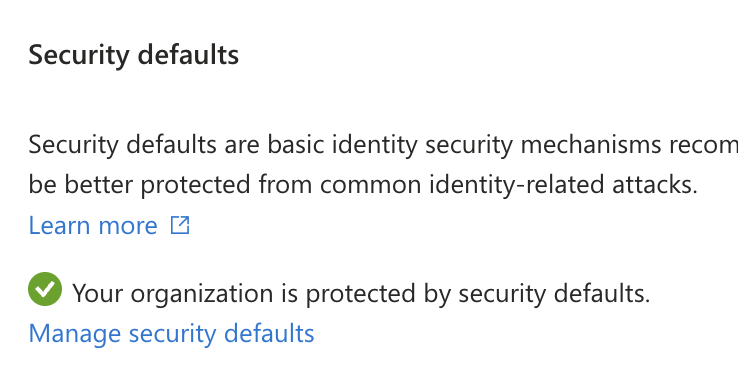
I tried to solve the issue by resetting the users multi-factor authentication methods and trigger re-registration, but all that did was having the user set up MFA again without issues and the error on Outlook mobile was still there. The user had tried to uninstall Outlook and reinstall again.
I tried setting up the users account on another device and that worked without issues, but I noticed that Outlook would jump over to Microsoft Authenticator and create a Microsoft Entra ID entry in the Authenticator app (holding authentication settings and device info towards Entra).
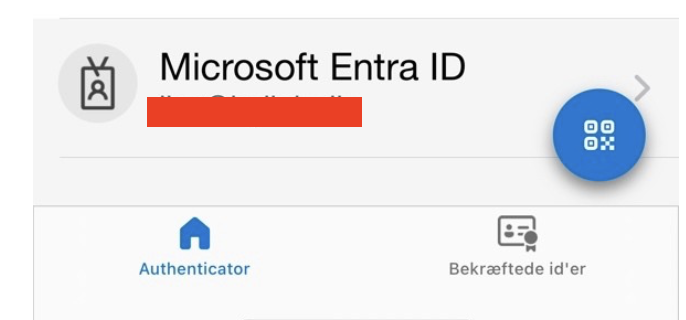
Once we deleted this entry on the users device in Microsoft Authenticator app, the user was able to setup the account in Outlook mobile again without this error. The entry did get created again as expected in Microsoft Authenticator.
I normally work with tenants using Entra ID P1 or P2, so this behavior is not something I have seen before. It is not Authenticator Lite because what would have been visible under the users Authentication Methods. Searching for answers, I conclude this is connected to the fact that the tenant is using the free version of Entra ID and Security Default does not enforce MFA on device protocols.
Have feedback on this post?
Send me a message and I'll get back to you.
