Azure Local - Kubernetes - Part 5 - Fix: Arc Data Controller stuck deploying due to insufficient memory
Intro
This article is part of a series: Navigate to series page
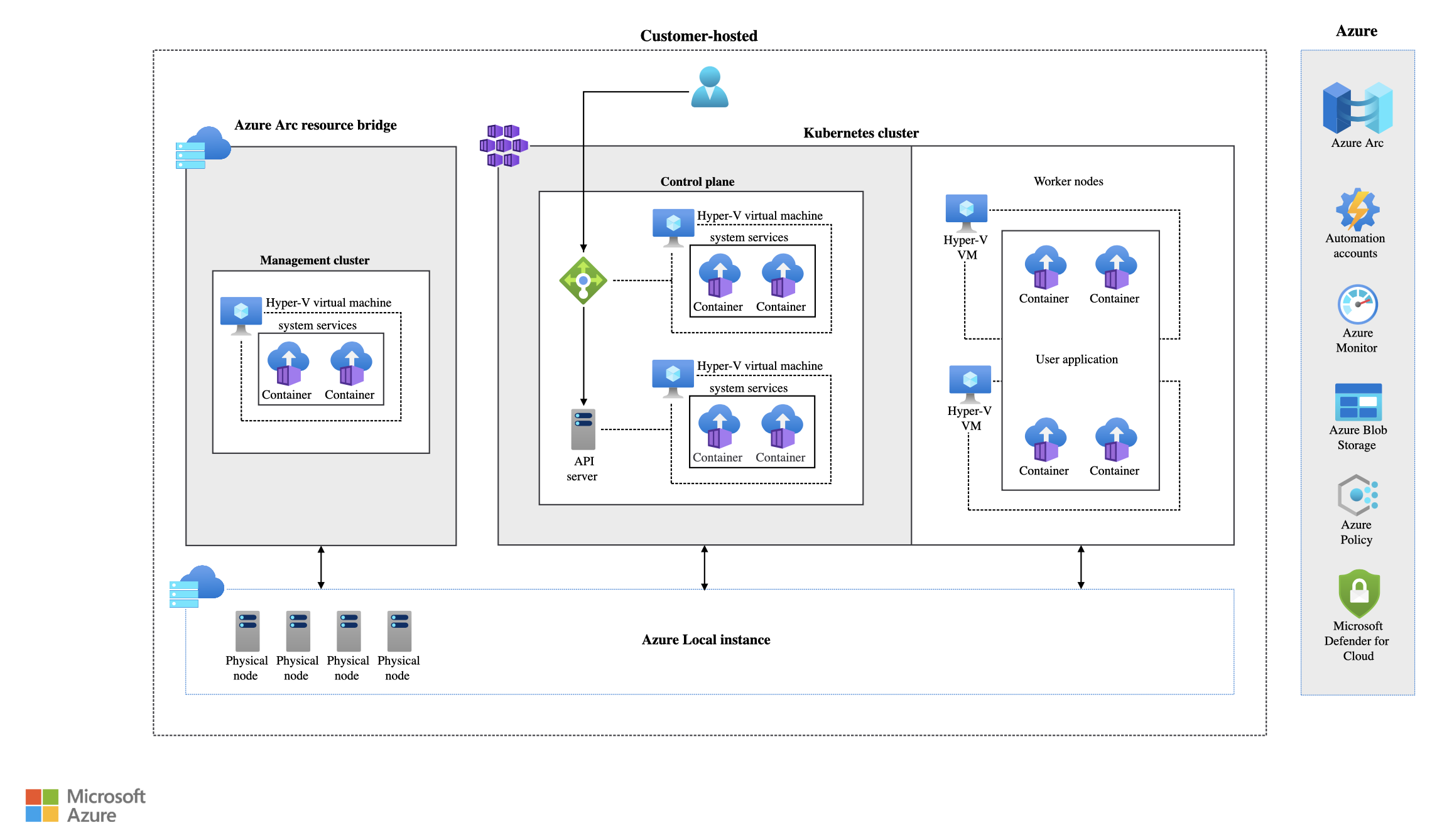
After deploying an Azure Arc Data Controller on my AKS Arc cluster on Azure Local (see Part 4), the data controller was stuck in a DeployingController state for over 2 hours. The Azure Portal kept showing that the resource was “currently being created” with no progress.
In this article I will walk through how I identified the root cause — insufficient memory on the worker node — and how I fixed it by scaling the node pool.
The symptoms
After completing the data controller deployment wizard in the Azure Portal, the resource appeared in the Azure Arc data controllers list but the status remained Deploying. Even after waiting 2 hours, nothing changed.
Checking the data controller status from the CLI confirmed it was stuck:
az resource show \
  --name arcdc-k8s-azhcickj4 \
  --resource-group rg-ckj-azl-lab-westeurope \
  --resource-type "Microsoft.AzureArcData/dataControllers" \
  --query "properties.k8sRaw.status" -o json
The state showed DeployingController instead of Ready.
Identifying the root cause
I started by checking the pods in the arc-data-services namespace:
kubectl get pods -n arc-data-servicesThis revealed two problematic pods:
controldb-0— stuck inPending(0/1 ready) for over 24 hourscontrol-4wvzg— had restarted 143 times in a crash loop, because it depends oncontroldb
The other pods (bootstrapper, metricsdb-0, etc.) were all running fine. The PVCs were also all Bound, so storage was not the issue:
kubectl get pvc -n arc-data-servicesTo find out why controldb-0 could not be scheduled, I described the pod:
kubectl describe pod controldb-0 -n arc-data-servicesThe Events section at the bottom showed the scheduling failure:
0/2 nodes are available: 1 Insufficient memory, 1 node(s) had untolerated taint {node-role.kubernetes.io/control-plane: }
This told me two things:
- The control plane node will not accept workloads because it has a
NoScheduletaint (this is expected and correct) - The worker node does not have enough free memory for the
controldbpod’s 4Gi memory request
I confirmed this by checking the worker node’s allocatable resources:
kubectl describe node <worker-node-name>The worker node (VM size Standard_A4_v2) had only ~6Gi allocatable memory. Between the bootstrapper, control pod, and other system pods already running, there was not enough left for controldb’s 4Gi request.
The fix — scale the node pool
Since my cluster only had a single worker node with Standard_A4_v2 (4 vCPUs, 8 GiB RAM, ~6Gi allocatable), the simplest fix was to add a second worker node to spread the workload:
az aksarc nodepool scale \
  --name nodepool1 \
  --cluster-name k8s-azhcickj4 \
  --resource-group rg-ckj-azl-lab-westeurope \
  --node-count 2
After the second node joined the cluster, the Kubernetes scheduler automatically placed controldb-0 on the new node. Within 5–15 minutes, controldb was running, the control pod stopped crash-looping, and the data controller state transitioned from DeployingController to Ready.
No manual pod restarts or other intervention was needed — the scheduler handled everything once capacity was available.
Final remark
The Azure Arc Data Controller has significant memory requirements. The controldb pod alone requests 4Gi of memory. On a Standard_A4_v2 worker node with ~6Gi allocatable, there is not enough room for controldb alongside the other Arc data services pods.
If you are planning to run Arc data services on AKS Arc, make sure your worker nodes have at least 16Gi RAM — or run multiple smaller workers so the scheduler can spread the load. In a lab environment, scaling the node pool to 2 nodes is the quickest path forward.
Have feedback on this post?
Send me a message and I'll get back to you.