
Solution for VM-Switch looses binding to physical network adapters
- Intro
- Confirm the KB is installed
- Download the GPO template
- Move the template files from local group policy to central store
- Create a GPO, configure and link it
- Verify
Intro
For over a year now, I have been back and forth with Microsoft about an issue with Azure Local nodes loosing binding to physical network adapters in the VM-switches, making them go from external to internal, and breaking everything.
I had written a script based workaround for it, but it was never as good as a solution and not stable enough.
But today I have a confirmed fix from Microsoft.
Confirm the KB is installed
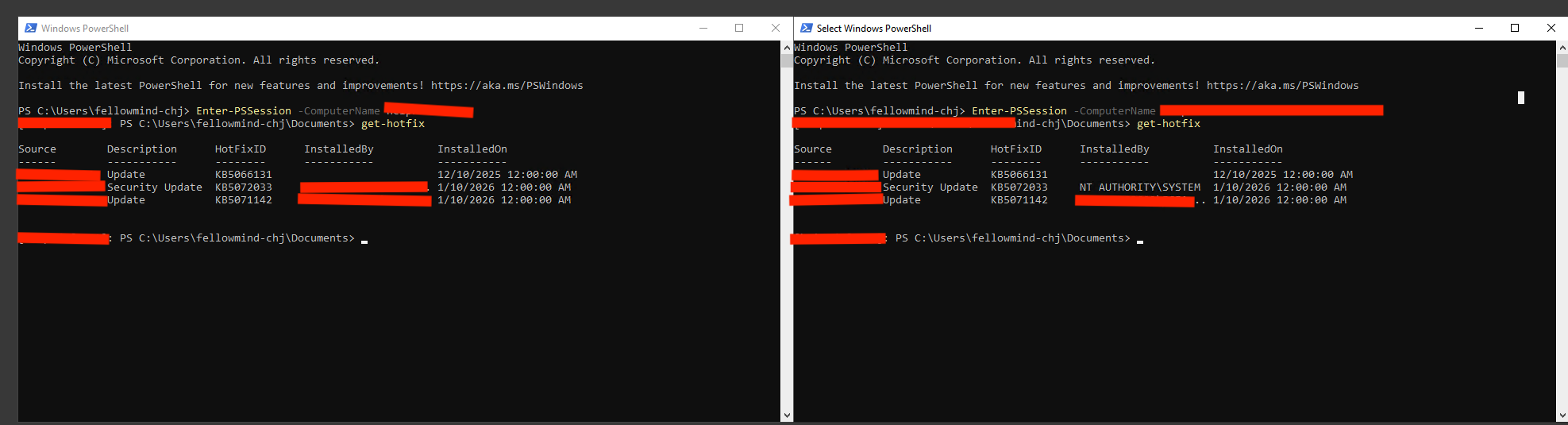
Connect to all the nodes in the stack. Run this PowerShell command:
Get-HotFix
Confirm that KB5072033 or KB5072034 is installed.
Download the GPO template
You will need the GPO template. You can download it from here: Windows 11 24H2, Windows 11 25H2 and Windows Server 2025 KB5072033 251215_07201 Feature Preview.msi
Change the name of the file from .txt back to .msi. Now install the MSI.
Move the template files from local group policy to central store
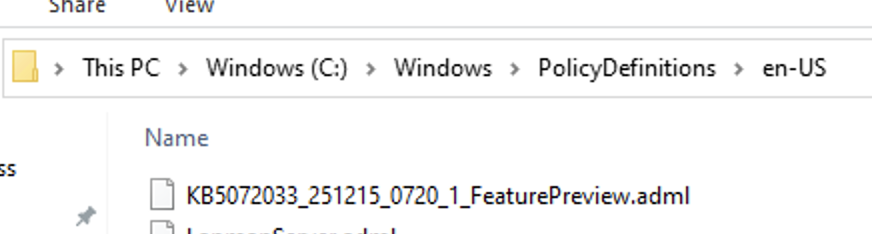
I would recommend copying the files from local PolicyDefinitions to central store.
Below you can see some pictures of me locating the files locally and then opening central store in the domain and copying the 2 files (ADMX and ADML) to the required folder paths:


Create a GPO, configure and link it
Now create a new GPO. Give it a descriptive name, then link it to the OU where the Azure Local nodes are in Active Directory.

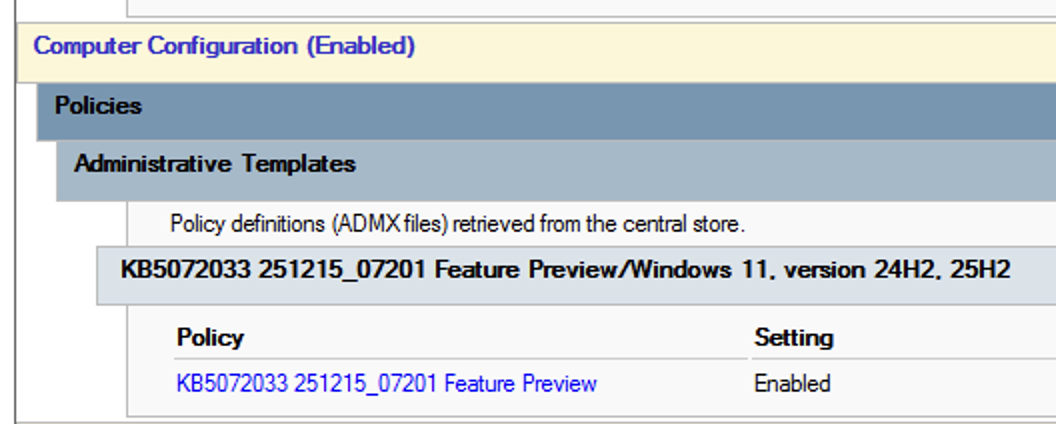
Open the GPO, go to Computer Configuration > Administrative Templates and then locate the KB.
Enable its setting.
Verify
Run gpupdate /force on all Azure Local Nodes. Then run gpresult /r and make sure the GPO you created, is listed as applied GPO under computer configuration.
Reboot each node, one by one but never at the same time (remember to drain first)
Have feedback on this post?
Send me a message and I'll get back to you.
