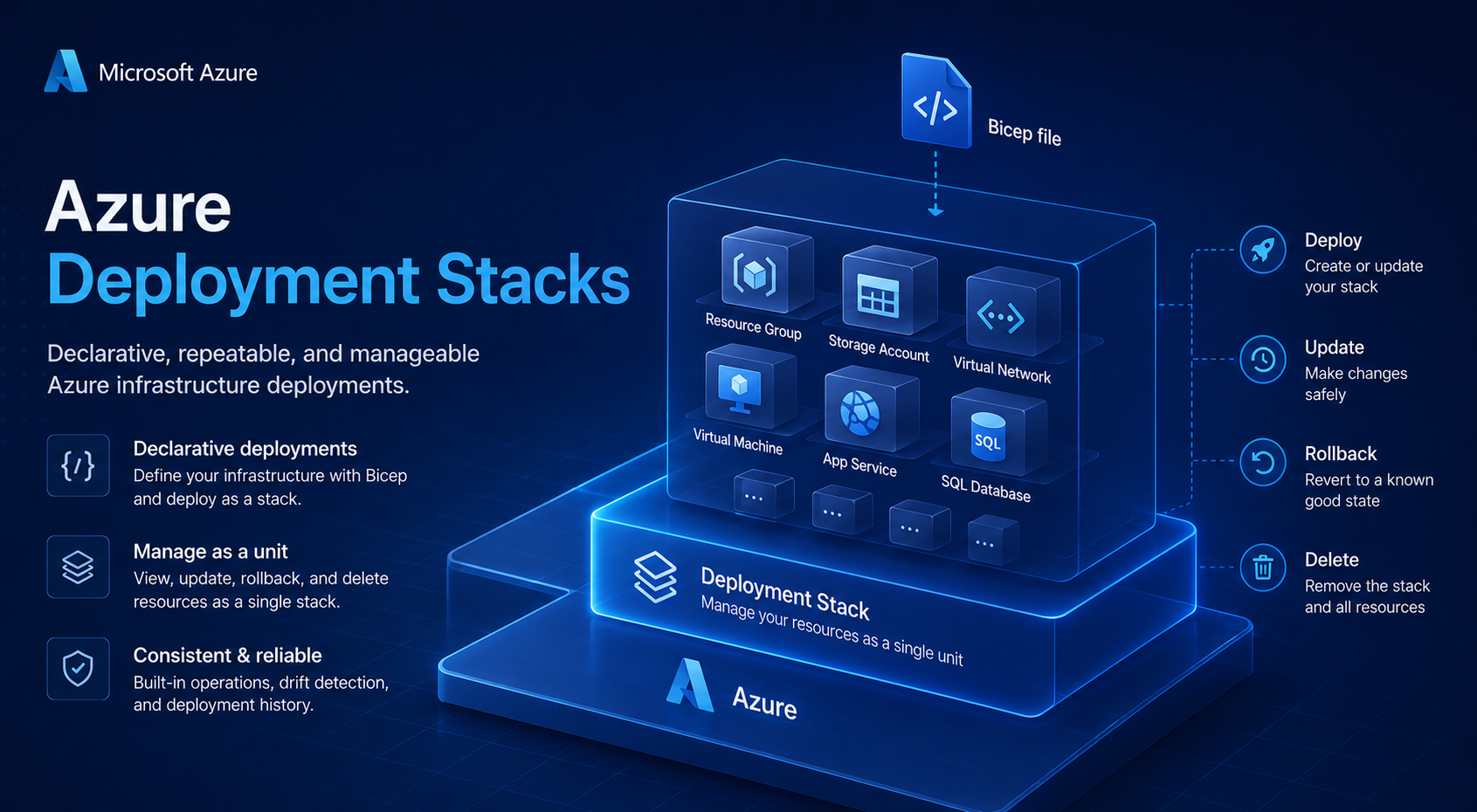
Azure Deployment Stacks - Parent vs. child resource types in excludedActions — and how wildcards actually work
- Intro
- Recap: how denyWriteAndDelete structures the deny assignment
- The misconception: does a parent entry cover child resource types?
- Proving it: inspecting the full operation tree
- Solution A: explicit child resource entries
- Solution B: mid-position wildcards
- When to use each approach
- Verification: inspecting the effective deny assignment
- Summary
Intro
This article is a follow-up to Azure Deployment Stacks - What denyWriteAndDelete actually does to /action operations, where I covered the full structure of the deny assignment and how to build a methodology for finding /action operations to exclude.
This article focuses on a specific and easy-to-miss aspect of excludedActions: parent resource type entries do not cover child resource types. If you add Microsoft.Compute/virtualMachineScaleSets/write to your excludedActions, writes on VMSS extensions, VMs attached to the scale set, and other child resource types remain denied. I will cover why this is, how to inspect the full operation tree for any resource type, and how to use mid-position wildcards to handle it cleanly.
Recap: how denyWriteAndDelete structures the deny assignment
When you deploy a deployment stack with denyWriteAndDelete, Azure creates a deny assignment with this effective shape:
{
  "actions": ["*"],
  "notActions": [
    "*/read",
    "<your excludedActions here>"
  ]
}
Everything is denied. notActions is the allowlist — only */read and whatever you explicitly listed in excludedActions pass through. This means every resource type, every child resource type, and every operation variant must be explicitly covered if you want it unblocked.
The misconception: does a parent entry cover child resource types?
The intuition is understandable. If you exclude Microsoft.Compute/virtualMachineScaleSets/write, it feels like that should cover everything related to scale set write operations. It does not.
Microsoft.Compute/virtualMachineScaleSets/write is a precise string pattern. It matches exactly one operation: the write operation on the VMSS resource itself. It does not match:
Microsoft.Compute/virtualMachineScaleSets/extensions/writeMicrosoft.Compute/virtualMachineScaleSets/extensions/deleteMicrosoft.Compute/virtualMachineScaleSets/virtualmachines/writeMicrosoft.Compute/virtualMachineScaleSets/virtualMachines/networkInterfaces/write
Azure RBAC action matching is pure string pattern matching. There is no implicit hierarchy — sub-resources like /extensions or /virtualmachines are registered as distinct resource types with their own operation sets, completely independent of the parent. A match on the parent string does not cascade.
Proving it: inspecting the full operation tree
You can verify this directly by listing all registered operations under a resource type. For Virtual Machine Scale Sets:
az provider operation show --namespace Microsoft.Compute `
  --query "resourceTypes[?name=='virtualMachineScaleSets'].operations[].name" `
  -o tsv
The output will include entries like:
Microsoft.Compute/virtualMachineScaleSets/read
Microsoft.Compute/virtualMachineScaleSets/write
Microsoft.Compute/virtualMachineScaleSets/delete
Microsoft.Compute/virtualMachineScaleSets/start/action
Microsoft.Compute/virtualMachineScaleSets/extensions/read
Microsoft.Compute/virtualMachineScaleSets/extensions/write
Microsoft.Compute/virtualMachineScaleSets/extensions/delete
Microsoft.Compute/virtualMachineScaleSets/virtualmachines/read
Microsoft.Compute/virtualMachineScaleSets/virtualmachines/write
...
Each line is a fully independent operation string. The pattern virtualMachineScaleSets/write matches only that exact line — the entries under /extensions, /virtualmachines, and other child paths are entirely separate strings that require their own entries or a wildcard to cover.
You can run the same command for any resource provider namespace to inspect the full operation tree before building your excludedActions list.
Solution A: explicit child resource entries
The most explicit approach is to list each child resource type individually:
excludedActions: [
  'Microsoft.Compute/virtualMachineScaleSets/write'
  'Microsoft.Compute/virtualMachineScaleSets/delete'
  'Microsoft.Compute/virtualMachineScaleSets/extensions/write'
  'Microsoft.Compute/virtualMachineScaleSets/extensions/delete'
  'Microsoft.Compute/virtualMachineScaleSets/virtualmachines/write'
  'Microsoft.Compute/virtualMachineScaleSets/virtualmachines/delete'
  // ... and so on for each child type
]
This is fully precise and leaves no ambiguity. The downside is that it is verbose and brittle — if Microsoft registers a new child resource type under the namespace in the future, your list silently misses it.
Solution B: mid-position wildcards
Azure RBAC wildcards are not limited to the end of a string. A * can appear in the middle of a pattern as a path segment placeholder. This is valid:
Microsoft.Compute/virtualMachineScaleSets/*/writeThis pattern matches any /write operation on any direct child resource type under virtualMachineScaleSets. It covers /extensions/write, /virtualmachines/write, and any other child type — including ones added by Microsoft in the future.
The critical caveat is that the mid-position wildcard requires a path segment. It does not match the parent resource type itself. Here is how the patterns compare:
| Pattern | What it matches |
|---|---|
virtualMachineScaleSets/write | The VMSS resource itself only |
virtualMachineScaleSets/*/write | All direct child resource types — NOT the VMSS itself |
virtualMachineScaleSets/* | All operations on all direct child resource types |
This means to fully cover write and delete on both the VMSS and all its children, you need three entries:
excludedActions: [
  'Microsoft.Compute/virtualMachineScaleSets/write'    // the VMSS itself
  'Microsoft.Compute/virtualMachineScaleSets/*/write'  // all child write operations
  'Microsoft.Compute/virtualMachineScaleSets/*/delete' // all child delete operations
]
This is cleaner than enumerating every child type individually and is robust against new child resource types being added by Microsoft.
Note that * in this position matches one path segment. It does not match multiple nested levels. virtualMachineScaleSets/*/write covers virtualMachineScaleSets/extensions/write but not a hypothetical virtualMachineScaleSets/extensions/subExtensions/write. In practice, Azure resource types rarely go deeper than two levels under a parent, so this is not typically a concern — but worth verifying with az provider operation show for any resource type you are working with.
When to use each approach
Use explicit entries when:
- You want to be intentional about exactly which child resource types are exempted
- The resource type has a small, stable set of children
- You are working in a high-security environment where over-broad exclusions carry risk
Use mid-position wildcards when:
- The resource type has many child resource types and listing them individually would be excessive
- You want protection against future child types being silently excluded from coverage
- The broader scope is acceptable for the principals involved
In most environments, a combination works well: use wildcards for resource types with many children (like virtualMachineScaleSets or virtualNetworks) and explicit entries for resource types where you want tighter control.
Verification: inspecting the effective deny assignment
After deploying the stack, always verify what was actually rendered in the deny assignment. The notActions array is the source of truth:
az rest `
  --method GET `
  --url "https://management.azure.com/subscriptions/<sub-id>/providers/Microsoft.Authorization/denyAssignments?api-version=2022-04-01" `
  --query "value[].{displayName:properties.displayName,notActions:properties.permissions[0].notActions}" `
  -o json
Confirm that both the parent entry and the wildcard child entries appear in notActions exactly as expected. This also catches any entries that were rejected silently due to the operation not being registered in the provider manifest — a scenario covered in the previous article in this series.
Summary
| Pattern | Covers parent | Covers children |
|---|---|---|
Resource/write | ✅ | ❌ |
Resource/*/write | ❌ | ✅ |
Resource/write + Resource/*/write | ✅ | ✅ |
Resource/* | ❌ | ✅ (all operations) |
Final remark: always run az provider operation show before building your excludedActions list for a new resource type. It takes 30 seconds and removes all guesswork about what child resource types exist and which operations are registered. Pair it with the az rest deny assignment inspection after deployment to confirm the result.
Have feedback on this post?
Send me a message and I'll get back to you.